


01 / Power & mode
Start on the mask.
Hold the mask’s Power/Mode button for 2 seconds to switch on. A short press cycles through the five light modes. The controller can change the mode or turn the lights off, but cannot turn the lights on.


Beauty · Light care
$199.00
Available to order
Complete the light-sensitivity test before first use. Do not use while charging.
Download LED mask manual (English PDF)Shipping, taxes and any discounts are confirmed at checkout.
Questions about this product? ↗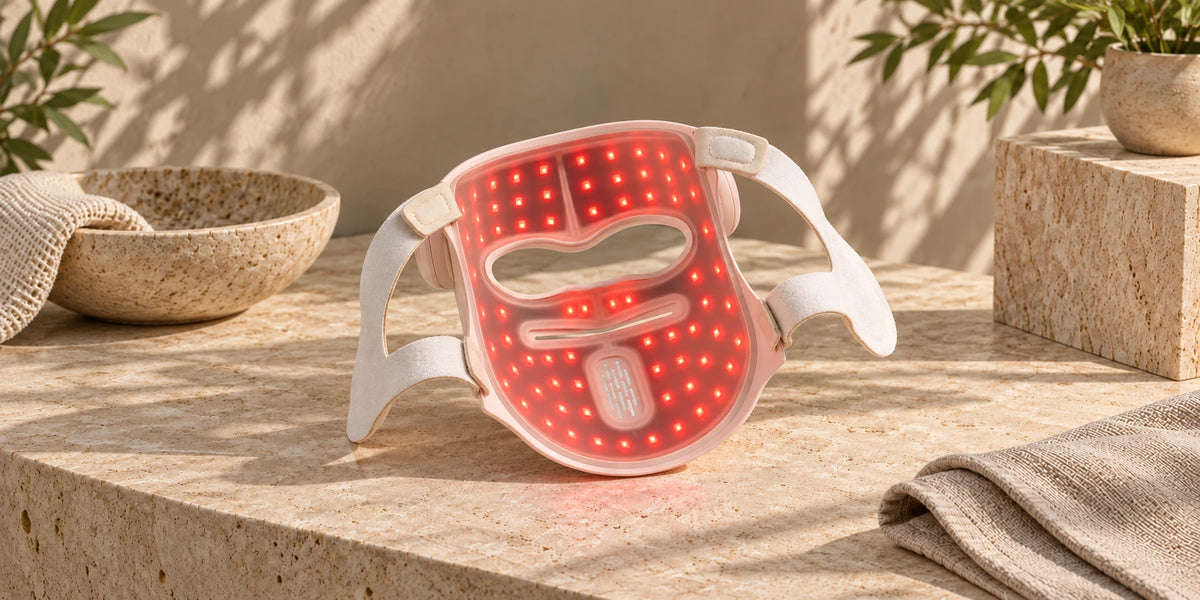
Cycle through Red + NIR, Yellow blend, Green, Blue and Multi-wavelength modes.
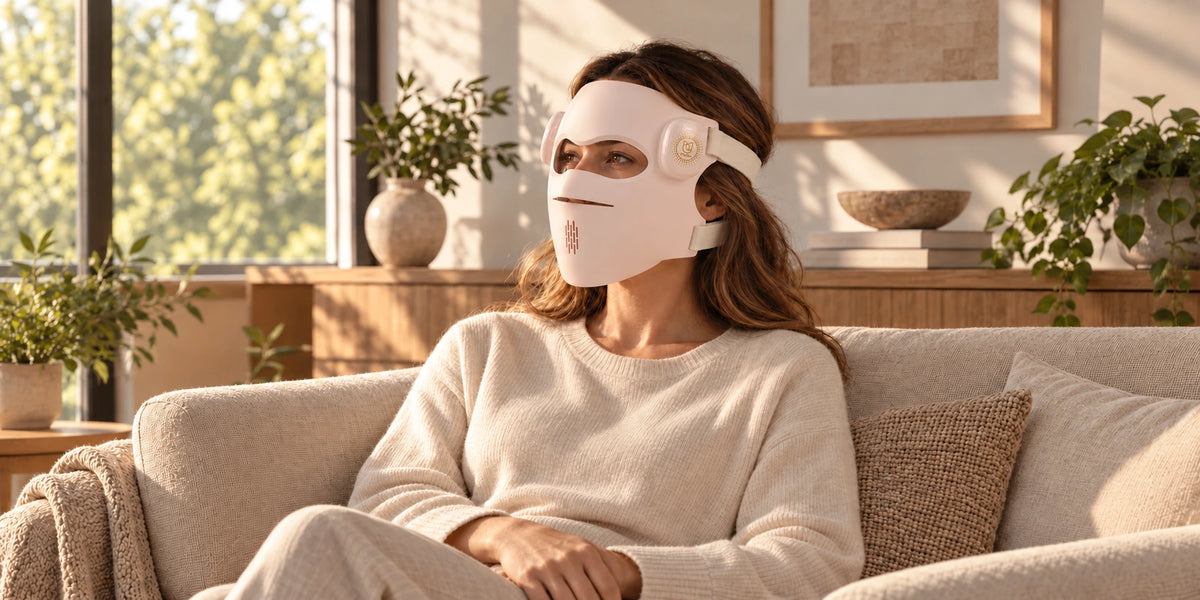
The mask starts with a 10-minute session and Level 1 intensity by default, and switches off when the countdown ends.
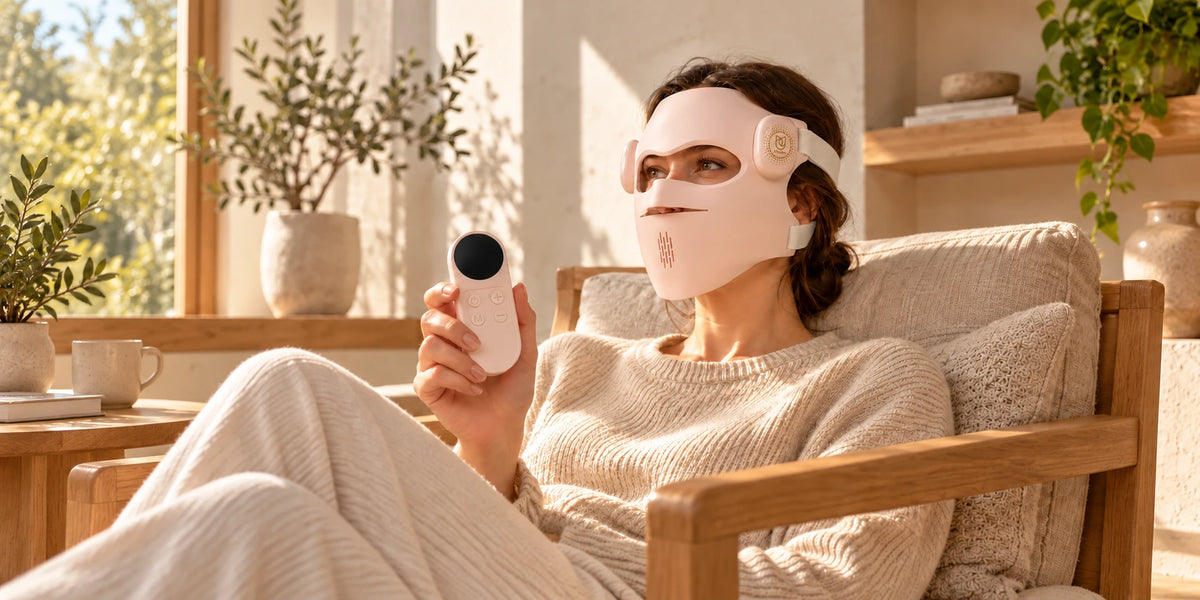
Use the controller to select the mode and adjust time or brightness. The mask must be switched on using its own Power/Mode button.


Images are for illustrative purposes only and do not show actual results. Individual results may vary.
Five light modes
Settle into your at-home routine with 630 nm red and 850 nm near-infrared light combined in E1.
A cosmetic-care pause in the morning light. E2 blends red and green light to appear yellow, with near-infrared active at the same time.
Sit back in a quiet corner for your cosmetic-care routine. E3 is the dedicated 525 nm green-light mode.
A simple seated moment in your evening routine. E4 uses 460 nm blue light; check the manual’s suitability guidance before use.
Find a comfortable seat and choose E5 to combine red, green, blue and near-infrared light in one setting.

Made for your hands.
01 / Power & mode
Hold the mask’s Power/Mode button for 2 seconds to switch on. A short press cycles through the five light modes. The controller can change the mode or turn the lights off, but cannot turn the lights on.

02 / Time & brightness
Press M on the controller to switch between time and brightness, then use + or − to adjust. The LCD shows time, mode, brightness and battery status.

03 / Countdown & memory
The default session is 10 minutes at Level 1. The mask switches off when the countdown ends and remembers the last selected time, intensity and mode.
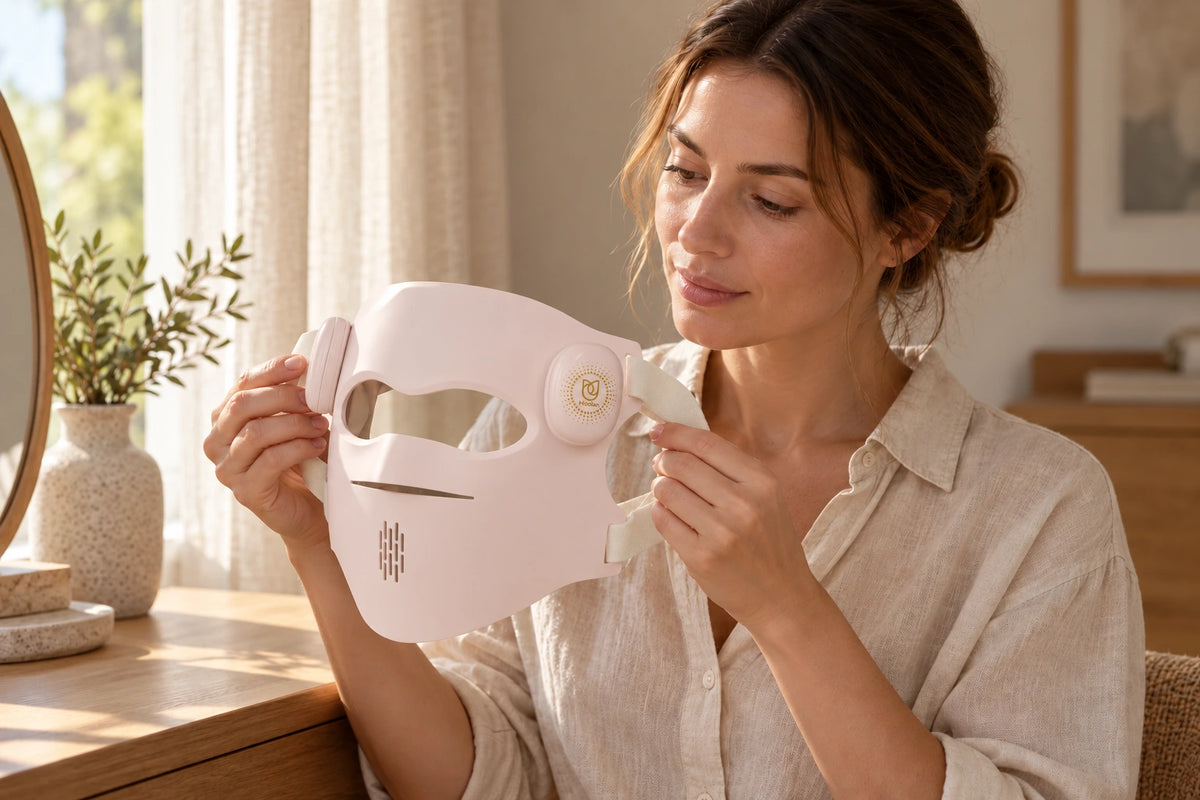
Before you begin.
Read the manual and suitability precautions. Before your first facial session, test a small light-emitting area against your forearm for 10 minutes. If redness, itching or discomfort occurs, stop and consult a dermatologist.
Remove makeup and skincare products, then clean and completely dry your face. Attach the straps securely and position the mask correctly around your eyes. Do not look directly at the LEDs.
Use for 10 minutes per session, 3–4 times a week. Do not repeat a session on the same area within 24 hours. Stop use if discomfort occurs.
Check the device for damage before every use. Read all contraindications in the supplied manual; this overview does not replace them.
Inside the box.
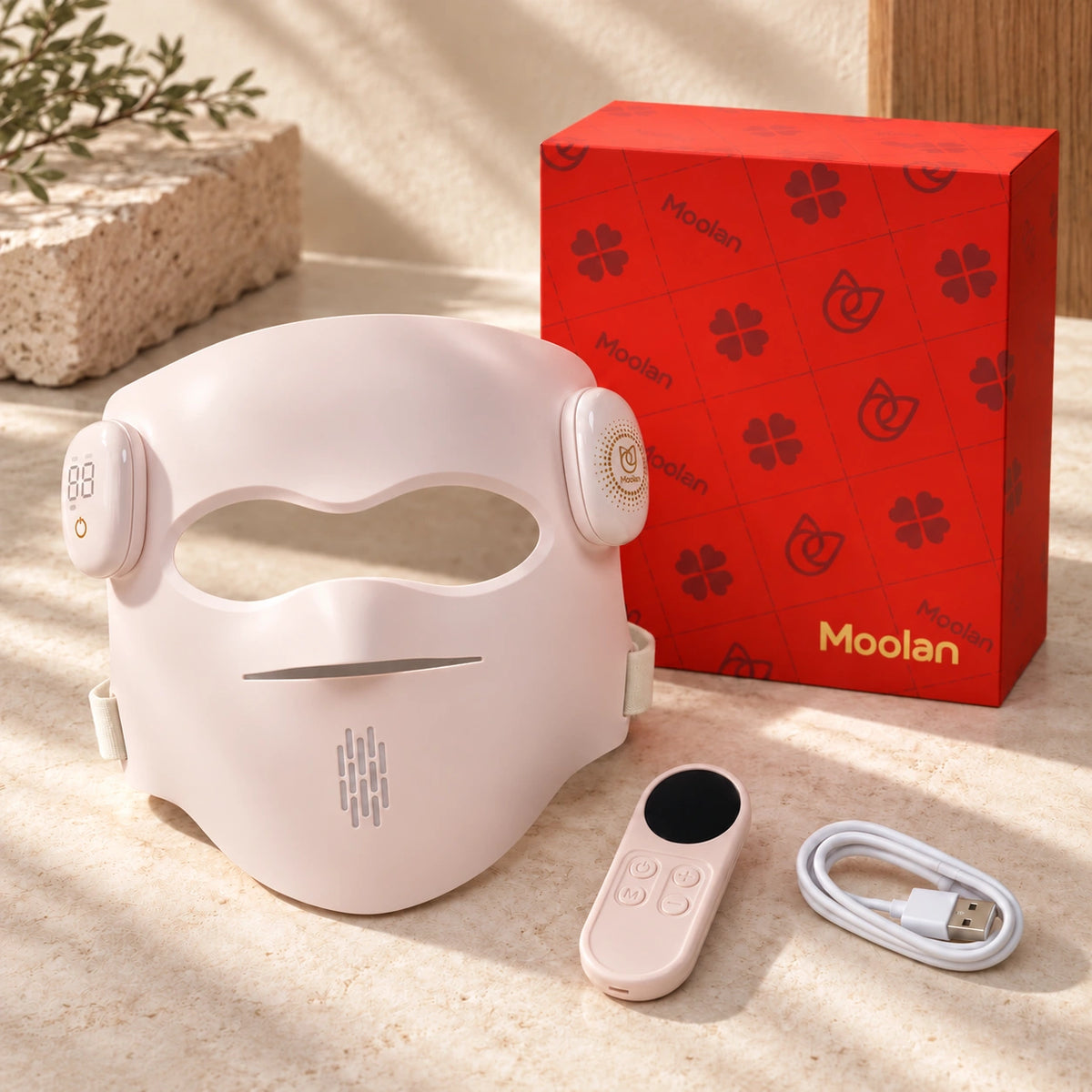
Product support
The manual recommends 10 minutes per session, 3–4 times per week. Do not exceed that time or frequency, or use the same area more than once within 24 hours. Read the safety instructions before starting. Before first use, perform the manual's 10-minute forearm light-sensitivity test. If redness, itching or discomfort occurs, do not use the mask and consult a dermatologist.
No. The mask cannot be used while charging. Use the supplied cable and a certified 5 V DC, 1 A adapter, and make sure the device, charging port, cable and adapter are completely dry.
The manual is intended for adults in generally good health. Do not use with light-triggered epilepsy or seizures, known photosensitivity, active skin cancer or suspicious lesions, open or bleeding skin, active infection, swelling, inflammation or painful skin, reduced sensation, or an allergy to skin-contact materials. Children and anyone unable to follow the instructions must not use it. Photosensitizing medicines or skincare require professional confirmation before use. Consult a qualified healthcare professional if pregnant, planning pregnancy or breastfeeding; with eye conditions, recent eye surgery or light-triggered headaches; after facial surgery, injury or cosmetic procedures; with a medical condition affected by light, severe acne, pigment-related conditions, or uncertainty about suitability. Read all precautions in the supplied manual.
Do not look directly at the LEDs. Position the mask correctly around your eyes, close your eyes if the light is uncomfortable, and use any supplied eye protection as instructed. Do not use while driving, walking or doing activities that require clear vision. Stop immediately for pain, burning, excessive warmth, persistent redness, itching, swelling, blistering, rash, discoloration, dizziness, nausea, headache or visual discomfort; consult a healthcare professional if symptoms persist. Do not use on sunburned skin.
Switch off and disconnect power. Wipe with a soft, slightly damp cloth; do not immerse or apply water directly. Do not use alcohol, corrosive, abrasive or solvent-based cleaners unless specifically recommended by the manufacturer. Let it dry completely and store in a cool, dry place away from direct sunlight. Do not bend, twist or fold the mask. It is intended for individual use; do not share it.
The controller's power button switches the controller on or off and can switch the lights off, but it cannot switch the lights on. Start the mask using its own Power/Mode button, then use the controller to select mode, brightness or time.